
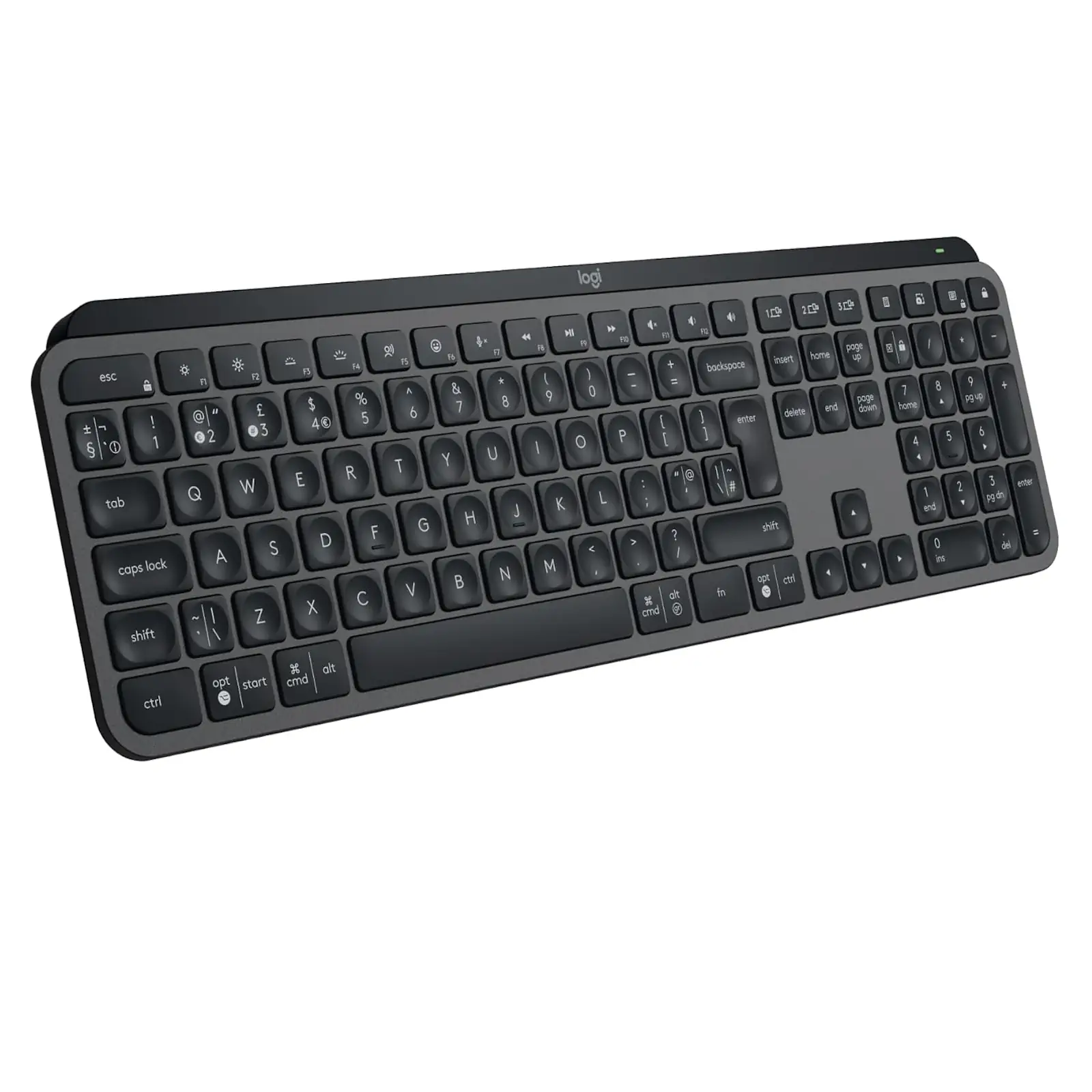

Logitech MX KeysS Advanced Wireless Illuminated Keyboard for Mac, PC, iPad Bluetooth & USB-C Receiver
₨ 41,999
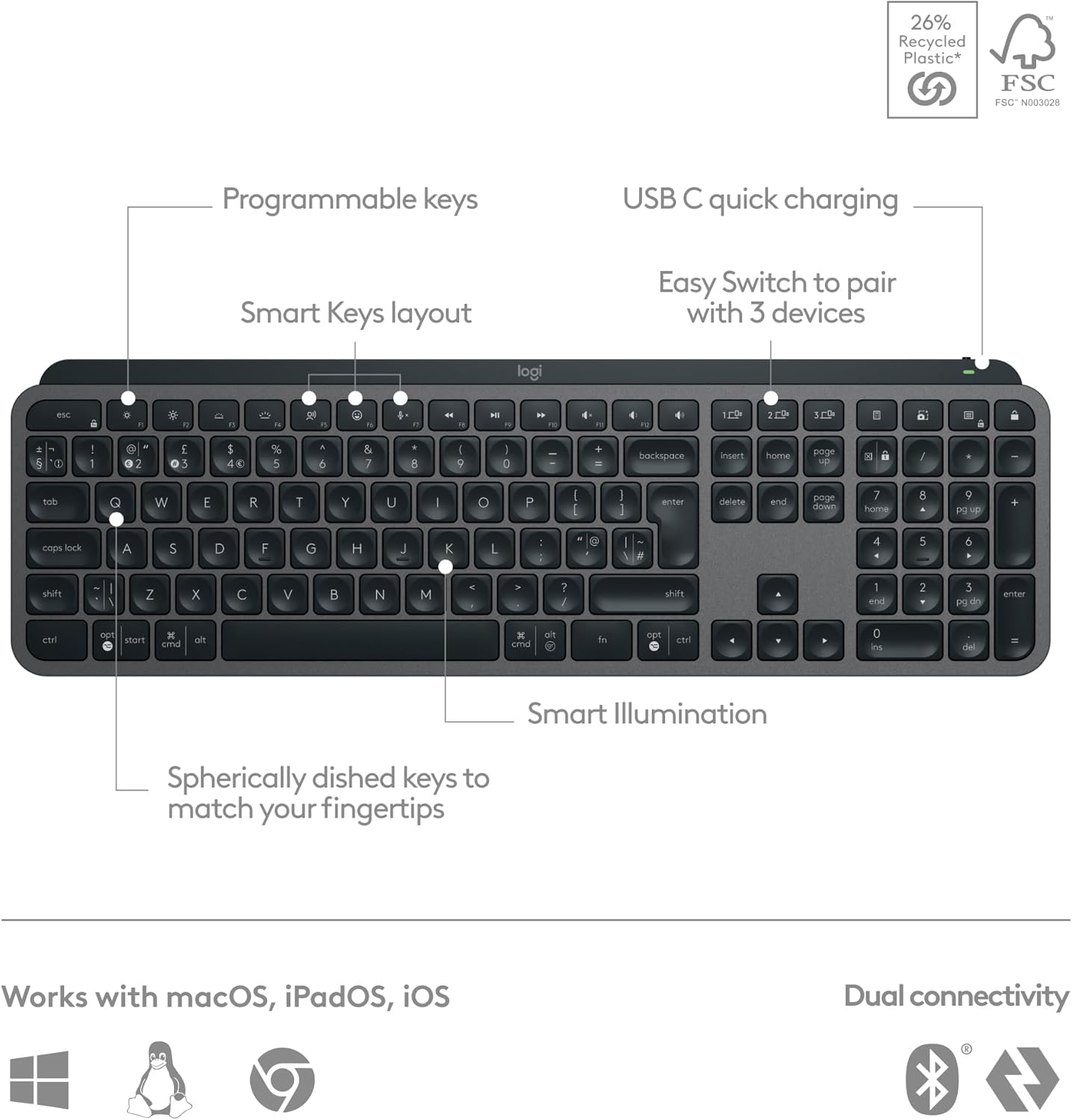
- Perfect Typing Experience: Features sculpted, perfectly placed keys with a comfortable, quiet, and responsive typing experience designed for productivity and long work sessions. Explore our keyboard collection for more.
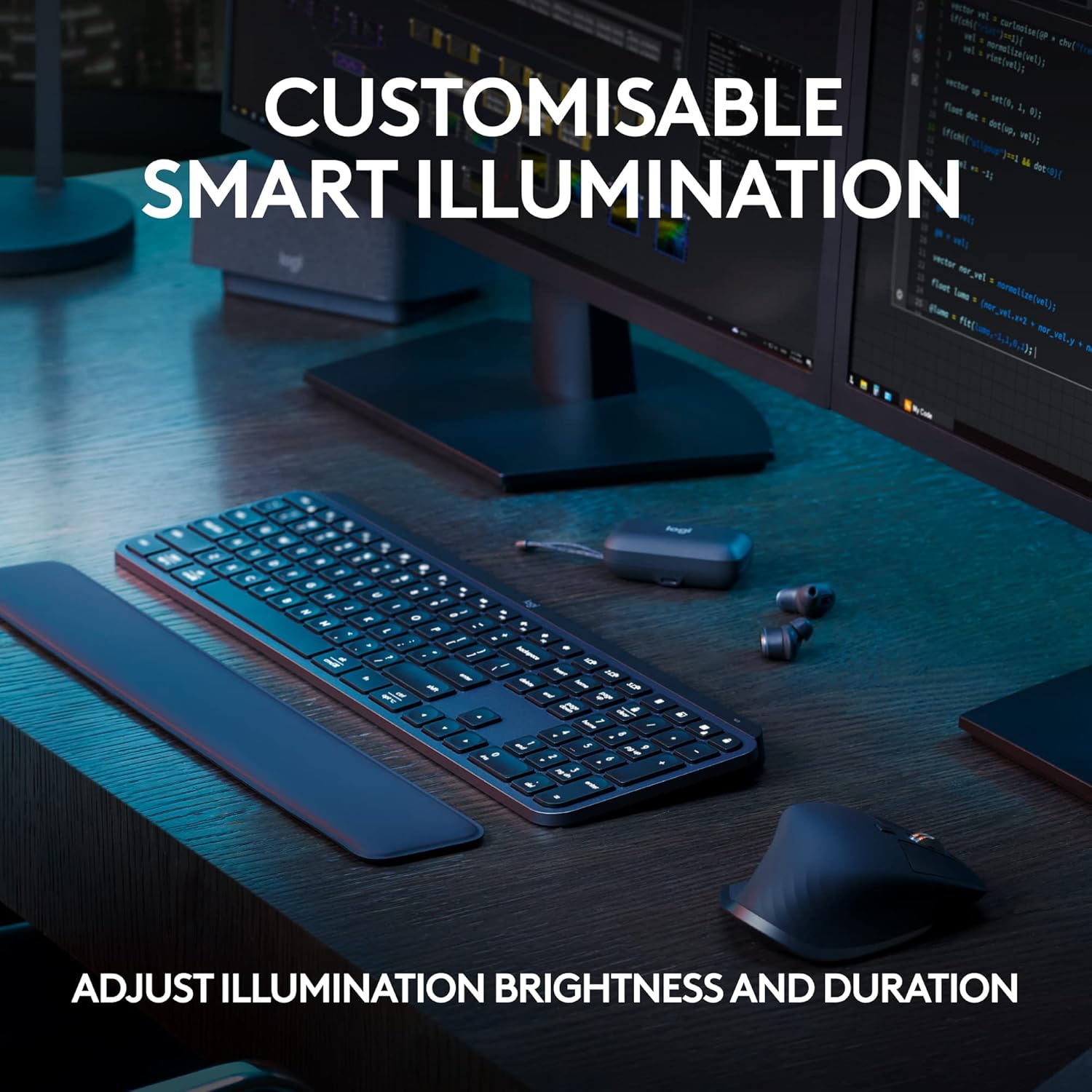
- Smart Illumination & Sensors: Automatic backlighting turns on as your hands approach, and ambient light sensors adjust brightness for optimal visibility in any lighting condition.
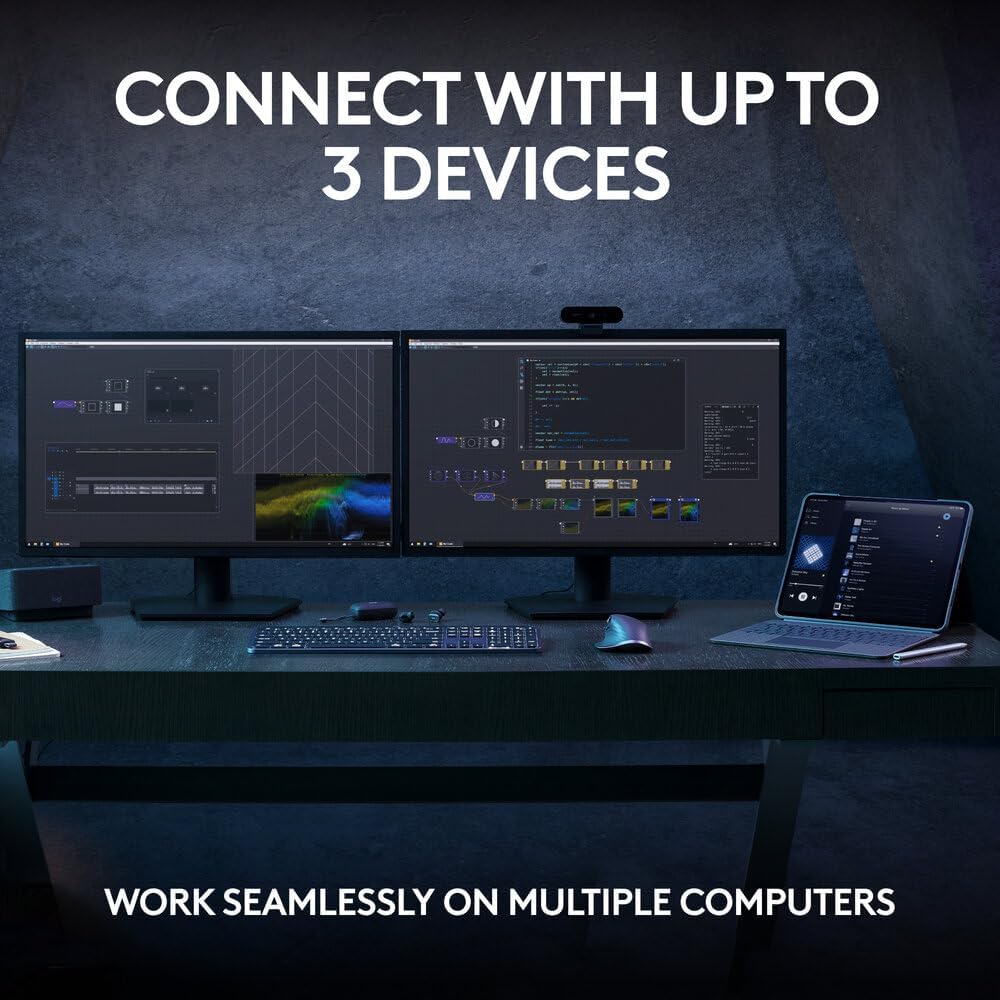
- Connect to 3 Devices Seamlessly: Easy-Switch technology allows you to pair with up to three devices via Bluetooth Low Energy or the included Logi Bolt USB receiver and switch between them instantly.
- Exceptional Battery Life: A single full charge delivers up to 10 days of power with backlighting or an incredible 5 months with it off, minimizing charging interruptions.
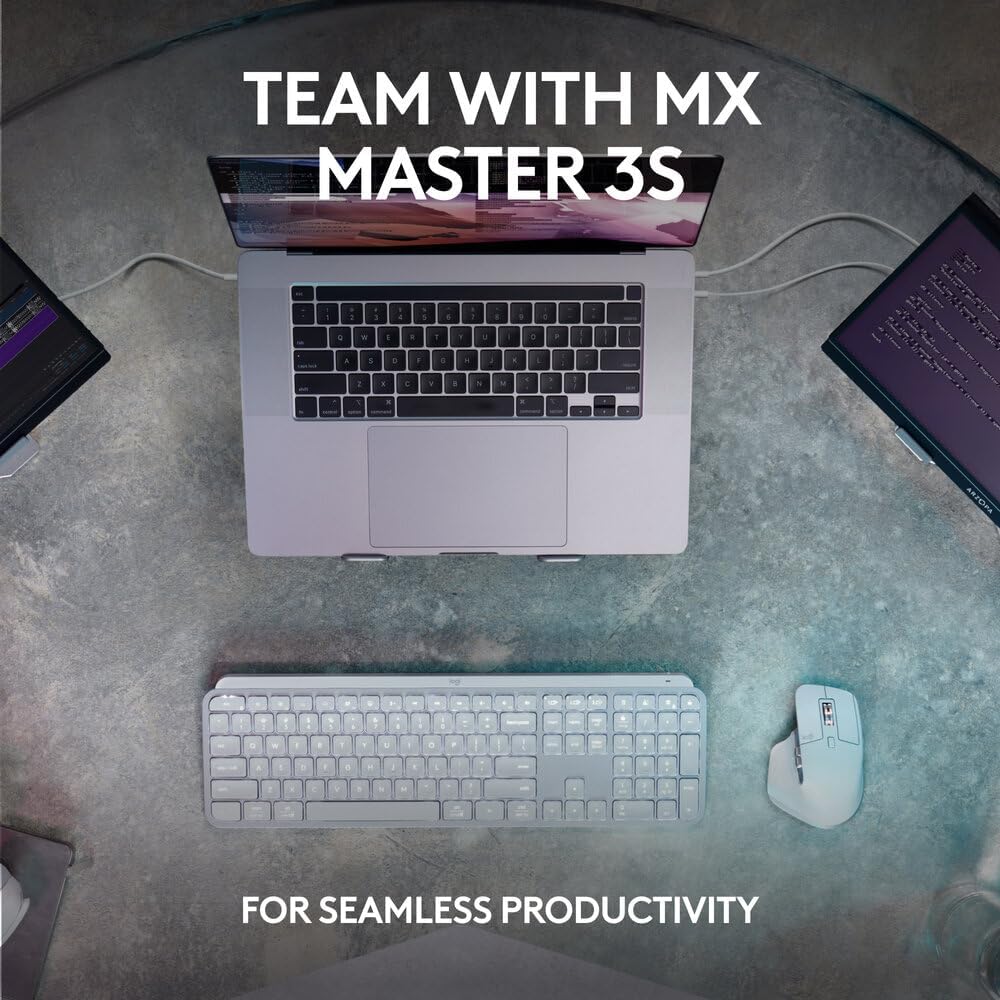
- Multi-Device Flow Compatibility: Unlock powerful cross-computer control by pairing with a compatible Logitech Flow mouse to copy and paste text, images, and files across different systems. Find a Logitech MX Master mouse to complete your setup.
Free shipping on orders over PKR 19,999
- Satisfaction Guaranteed
- Secure Payments
Description
Logitech MX KeysS Advanced Wireless Illuminated Keyboard for Mac, PC, iPad Bluetooth & USB-C Receiver, Backlit, Smart Dictation (920-011563)
Elevate your workflow with the Logitech MX KeysS Advanced Wireless Keyboard, engineered for those who demand precision, comfort, and seamless multi-device control. This keyboard redefines the typing experience with its thoughtfully sculpted keycaps that cradle your fingertips, providing a satisfying and quiet tactile response that reduces typing fatigue.
The intelligent automatic backlighting is a game-changer; the backlit keys gracefully illuminate as your hands approach and adjust their brightness based on the ambient light, ensuring perfect visibility while saving power. With the ability to connect to three different devicesbe it your Windows PC, Mac, iPad, or even an Android phoneyou can fluidly switch your focus with a simple keystroke.
Powered by a long-lasting Li-Po battery and charged via a modern USB-C port, it offers weeks of power on a single charge. The included Logi Bolt USB receiver provides a robust, encrypted connection for ultimate reliability, while Bluetooth offers flexibility. For the ultimate productivity powerhouse, enable Logitech Flow with a compatible mouse to work across multiple computers as if they were one. This keyboard is the centerpiece of any professional home office setup. Pair it with a high-resolution webcam and a USB-C docking station for a truly elite workstation. Discover more premium PC accessories to enhance your efficiency.
Products Specifications:
- Model: Logitech MX KeysS (920-011563)
- Connectivity: Bluetooth Low Energy & Logi Bolt USB Receiver
- Multi-Device: Connect up to 3 devices with Easy-Switch
- Battery Life: Up to 10 days (backlit) / 5 months (off)
- Charging: USB-C Rechargeable
- Battery: 1500 mAh Li-Po
- Wireless Range: Up to 10 meters
- Features: Auto Backlight, Hand Proximity Sensor, Ambient Light Sensor
- Compatibility: Windows, macOS, Linux, ChromeOS, iPadOS, Android
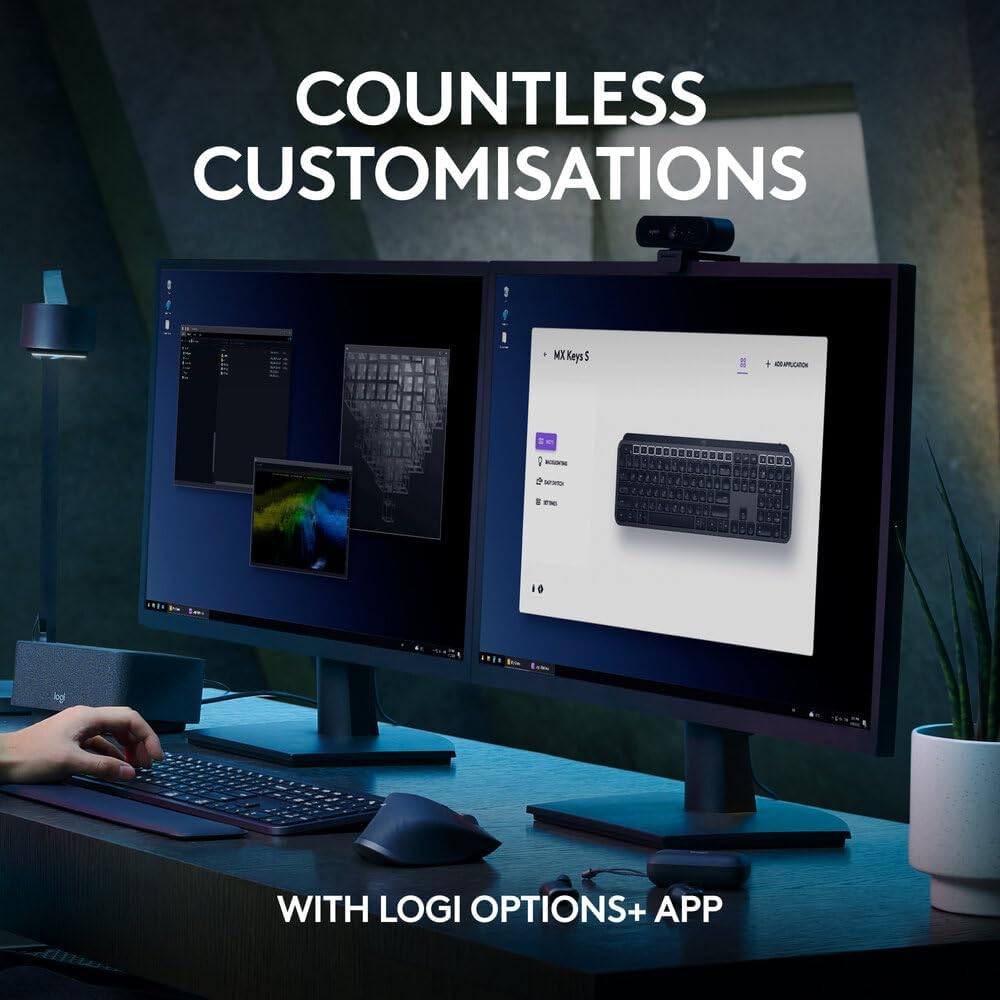
- Software: Logi Options+ for customization
Whats in the Box?
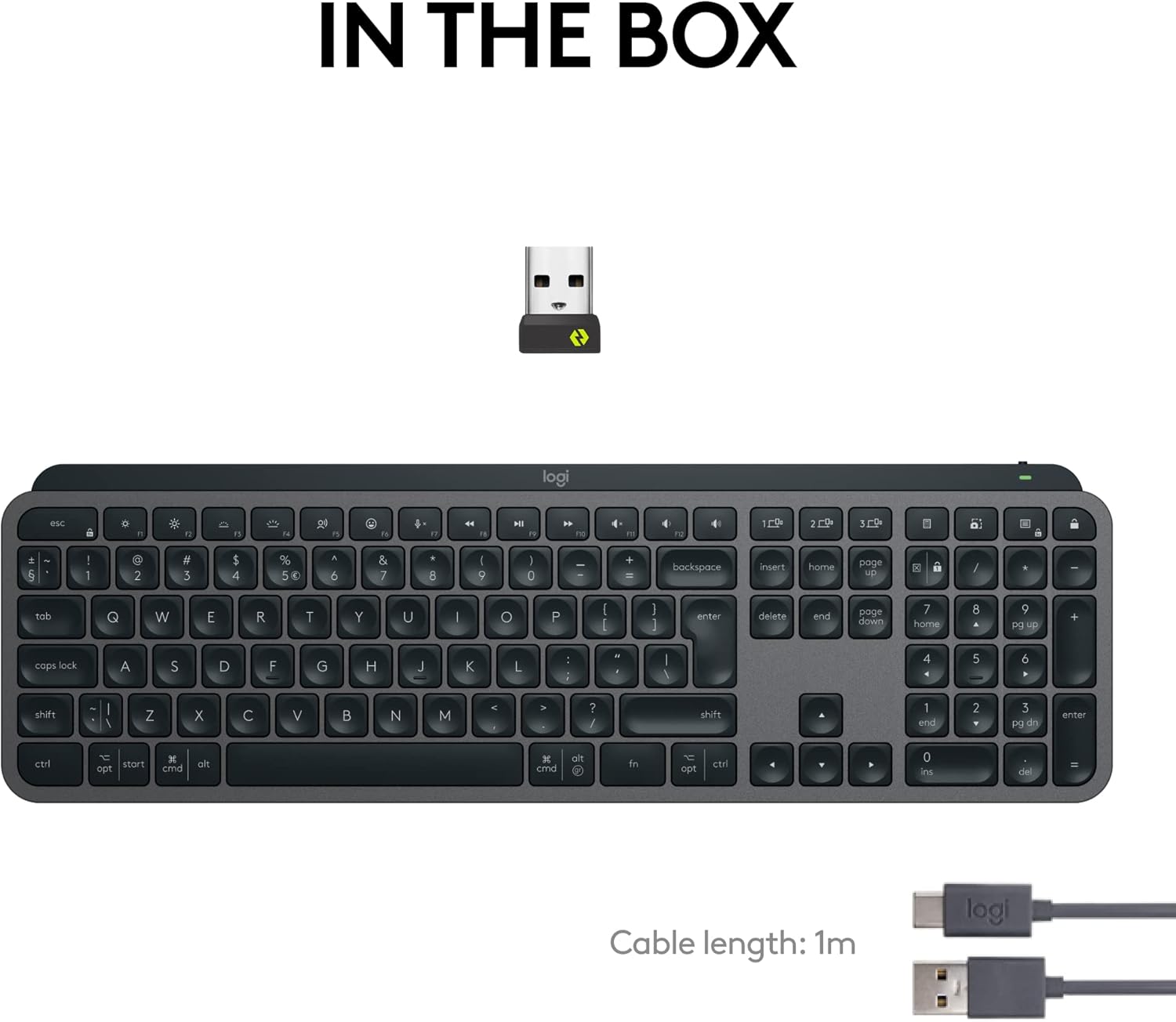
- 1 x Logitech MX KeysS Keyboard
- 1 x Logi Bolt USB Receiver
- 1 x USB-C Charging Cable
- 1 x User Documentation
10 FAQs:
1. What is the difference between the MX Keys and the MX KeysS?
The MX KeysS features improved battery life, a new smart dictation key for voice-to-text, and refined key sculpting for an even more comfortable typing experience.
2. Can I use this keyboard with my iPad?
Yes, it is fully compatible with iPadOS 14 or later via a Bluetooth connection, making it a perfect mobile typing solution.
3. What is Logi Bolt, and do I need the receiver?
Logi Bolt is Logitechs next-generation, more secure wireless protocol. The receiver provides a reliable, plug-and-play connection, especially useful in crowded wireless environments or for computers without Bluetooth.
4. I have a Mac with FileVault enabled. What should I know?
If FileVault is enabled, you may not be able to connect via Bluetooth before logging in. For uninterrupted access, we strongly recommend using the included Logi Bolt USB receiver.
5. How do I switch between my connected devices?
Simply press the Easy-Switch button (1, 2, or 3) located at the top of the keyboard to instantly switch between your pre-paired devices.
6. Is the keyboard backlighting always on?
No, the smart backlighting is equipped with hand proximity sensors that automatically turn the lights on when your hands approach and off when you leave to conserve battery.
7. Where can I customize the keyboard settings?
You can fully customize function keys and application-specific settings using the Logi Options+ software, available for free download from the Logitech website.
8. What is the warranty on this product?
Logitech products come with a standard warranty. Please keep your invoice and visit our customer support page for assistance with claims.
9. Can I use it while its charging?
Absolutely. You can continue to use the keyboard normally while it is charging via the USB-C cable.
10. Does it work with Logitech Flow?
Yes, when used with the Logi Options+ software and a compatible Logitech Flow mouse (like the MX Master series), you can enable powerful cross-computer control and copy-paste functionality.
Related products
-

-
-
Sale!

Logitech M185 Wireless Mouse (Blue) 12-Month Battery, Nano Receiver
Original price was: ₨ 6,000.₨ 0Current price is: ₨ 0.